Create Your Own AI Girlfriend: Character Builder Guide
The Character Builder designs how she looks, not who she is. Here is how its five steps work, what a run costs as of October 2026, how to turn the picture into a video, and what the builder cannot do.
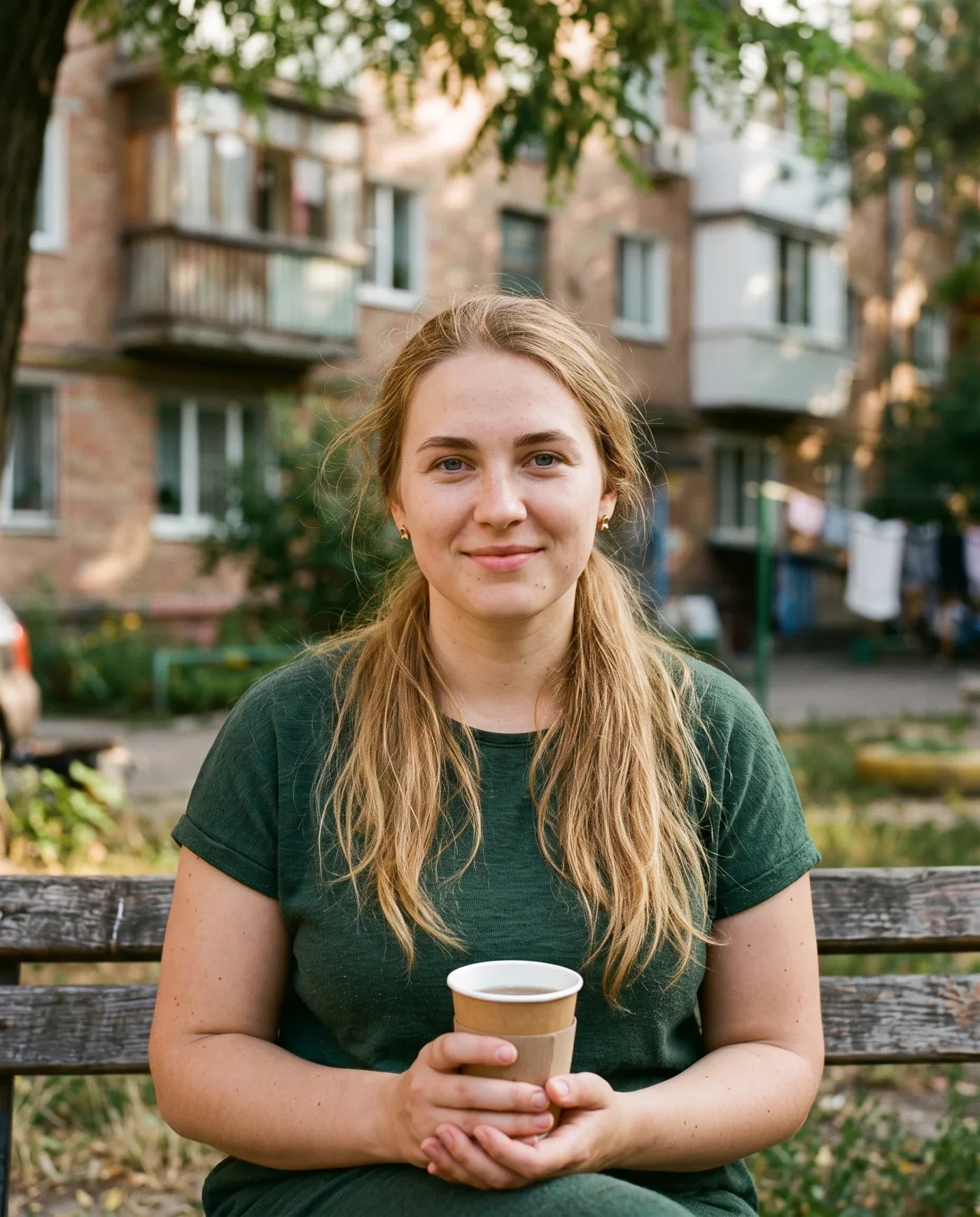
You can create your own AI girlfriend on OnlyFap, with one caveat worth knowing before you spend a credit: the Character Builder designs how she looks, not who she is. It turns nine choices into a still image and, if you want, into a short video. It does not create a chat partner with a personality, a name and a memory. For conversation you pick one of the published characters. This guide explains exactly what the builder makes, what it costs as of October 2026, where to find it and what it cannot do.
Everyone using the site must be 18 or older, and the builder only produces adults: its age slider starts at 21.
Create your own AI girlfriend: what the builder makes
The builder is a five-step picker. You choose looks from tiles, press one button, and a picture of a woman who matches your choices lands in My Collection. From that picture you can go one step further and animate her with a video template.
What you get is a still image and, optionally, a video. What you do not get is a chat character: she has no name, no biography, no voice and no memory, and you cannot open a conversation with her. If chatting is what you want, the 38 published characters are the place to start, and the AI girlfriend chat overview explains how they work.
There is no free-text box. Every choice is a tile or a slider, and the server writes the description for the image generator itself. That keeps the result predictable, and it also means you cannot ask for a particular real person’s face. The builder has no way to take one.
Where to find it
On the home page, a tile labelled “Build a character” (“Design her from scratch, no photo needed”) sits among the first templates in the grid. Press “Start”.
You can walk through the steps without an account. Signing in is requested when you press the final button. If a sign-in sends you away from the page, as the Telegram flow does, your choices are kept for 30 minutes and the builder reopens where you left it.
The five steps
Nothing is charged while you choose. The header says so on every step: “Step 1 of 5 · nothing charged yet”. The builder opens on a default (a 24-year-old Caucasian woman with straight black hair and brown eyes, athletic build, standing, in a bikini), and you change whatever you like.
| Step | Choice | Options |
|---|---|---|
| 1 | Ethnicity | Caucasian, European, Asian, Black / Afro, Latina, Arab |
| 1 | Age | A slider from 21 to 55+ |
| 2 | Hair style | Straight, Bangs, Curly, Bun, Short, Ponytail |
| 2 | Hair colour | Brunette, Blonde, Black, Redhead, Pink |
| 2 | Eyes | Brown, Blue, Green |
| 3 | Body type | Skinny, Athletic, Average, Curvy, BBW |
| 3 | Breast size | Small, Medium, Large, Extra Large |
| 4 | Pose | Standing, Arched Back, Kneeling, Sitting, Lying Back, Legs Up, All Fours, Bent Over |
| 5 | Outfit | Bikini, Lingerie, Dress, Nude |
The last step shows a summary of your model, with the price on the “Create my model” button. The poses and the Nude outfit are explicit, so this tool is for adults and shows adult results.
What it costs
A character still costs 10 credits as of October 2026. If a run fails, the credits go back automatically: the failure screen says “That did not render. Your credits have been returned.”
If you do not have enough credits, the builder tells you how many you are short instead of failing silently. If your balance is frozen (it freezes after 30 days without spending when you have no active plan), the button sends you to the plans page instead. Credits come from a plan or, for subscribers, from a credit pack. The plans page has current prices.
What you get back
When the image finishes, the screen says “She is ready” and “Saved to your collection”. You have three options:
- Save downloads the picture as a file. That copy is yours to keep.
- Make her move hands the picture to the video templates (next section).
- Start again clears the choices.
The picture also sits in My Collection. Finished items are kept for the length your plan pays for: 3 months on Basic, 6 on Pro, 12 on VIP. Without a running plan the privacy policy says a finished video stays reachable for hours only, so download what you want to keep.
From still to video: “Make her move”
Pressing “Make her move” takes you to the template grid with your picture loaded as the photo (“Animating your character”). You pick a video template, see the price, and confirm. Most video templates cost 30 credits and a few cost 20 to 25, and the price is shown before anything is charged.
You can swap the picture for a photo of your own with “Use a photo instead”. That is where the consent rule applies, and it is simple:
- A builder picture shows no real person, which is why it is the simplest source for a video.
- A photo of a real person must show you, or someone who has given explicit, informed and current permission for exactly this use. “Celebrity”, “public figure” and “found online” are not consent.
- No photo of anyone under 18, ever.
The terms say the same in full. Read the terms before you upload anyone’s photo, and the privacy and safety guide for how uploads are handled.
What the builder cannot do
- It cannot create a chat partner. The 38 published characters are the chat roster, and each has a written personality. A built picture has none.
- It does not save a character you can summon again. Each run is one image. There is no profile for “your” woman, so running the same choices again gives you a new picture.
- It cannot reproduce a real person. There is no photo input and no text description.
- It cannot go below 21. The slider and the server both enforce it.
- It cannot choose the setting. Every image is a full-body portrait in soft studio lighting. A video template adds the motion and the scene later.
If you want a conversation partner who feels like a particular type, use the roster’s traits instead: each profile lists age, build, hair and eye colour, a job and personality tags. Our character spotlight shows six of them.
The short version
The builder is a quick way to get a custom-looking woman as an image or a short video, for 10 credits plus the price of a video template if you animate her. It is not a way to build a companion to talk to. For that, start a chat with one of the published characters, or read the full overview to see what a chat includes.
Keep reading
AI Girlfriend Characters: Six Profiles Worth Meeting
Six of the 38 adult characters on OnlyFap, profiled from their live pages in October 2026: who they are, what their tags and openers suggest, what their albums hold, and how to choose between them.

How to Start an AI Girlfriend Chat: First-Chat Walkthrough
A step-by-step walkthrough of a first AI girlfriend chat on OnlyFap: choosing a character, signing in, the five free messages, what happens at the edge of the free run, and what a message costs afterwards.

AI Girlfriend Chat: Characters, Free Messages and Plans
A plain-language overview of AI girlfriend chat on OnlyFap: the 38 adult characters, what they remember and send, what you get free, what credits and plans cost as of October 2026, and where the product stops.